Printing for parts that have to work.
This is not a hobby printer on a desk — it is a production-grade machine with an active heated chamber, a hardened nozzle and an engineering-material shelf that goes well past plain PLA. It prints the parts for my own projects. Every part starts as a solid in Fusion 360 and comes out the other end sliced, printed and finished to fit the assembly it was designed for, not just the printer bed.
- Build volume
- 325 × 325 × 315mm — room for full assemblies, not just test cubes
- Hotend
- up to 350 °Ccovers engineering and composite filaments
- Chamber
- active, 65 °Ckeeps ABS/ASA from warping mid-print
- Bed
- 120 °Cfull-sheet heated bed
- Nozzle
- 0.4 mm hardened0.6 / 0.8 mm hardened for carbon-filled runs
- Max flow
- 35 mm³/ssets how fast a part can honestly print
A hardened nozzle is not optional once a filament has chopped carbon fibre in it — a brass nozzle wears out on the first spool. That is the difference between a printer that can show a carbon-fibre composite on a materials list and one that can actually print it.
A fix takes twenty minutes, not two weeks
A hole is a fraction too tight, a wall is too thin, a bracket clashes with the part next to it. With machined or moulded parts, every one of those is a new setup or a new tool in the post. With a printer that supports the geometry, it is one value in the model and another part the same night.
Fast iteration
Change the geometry, re-slice, print. The next revision of a part exists before an outsourced one would have shipped.
Geometry you cannot cut by hand
Internal ribs, organic transitions, snug press-fits, undercuts — shapes that are slow and error-prone with a mill come out in one piece here.
Repeatability
Parts from the same file are the same part. That makes a short run comparable to the last one: the only difference is what was changed on purpose.
Designed for the job
Nothing starts from a generic catalogue part. Every dimension is a decision made against the assembly it has to fit — and corrected the moment it does not.
Past plain PLA, into carbon-filled composites
The material shelf is picked for the machine, not the other way round: the chamber, the nozzle and the hotend all exist so that the composites below can actually be printed properly instead of just appearing on a spec sheet.
PLA
Fastest to print, tightest tolerances, the default for fit checks and visual prototypes.
PETG
Tougher and more temperature-resistant than PLA, good for functional parts.
ABS
Needs the active chamber to print without warping; handles heat and impact better again.
PETG-CF10
PETG’s toughness with less flex under load.
PLA-CF10
PLA’s dimensional stability with a stiffer, matte finish.
ASA-CF10
The UV- and heat-resistant option, for parts that live outside a drawer.
Every carbon-filled filament above runs through the 0.6–0.8 mm hardened nozzle, not the standard brass one — chopped carbon fibre wears out a soft nozzle in a single spool.
From a solid in Fusion 360 to a finished part
Design the solid
Every part is built in Fusion 360 against the assembly it has to fit, not printed on spec alone. Multi-part geometry is split as a design decision rather than a compromise — every section has to fit the bed and print in an orientation that makes structural sense.
Tooling: Fusion 360 / STL exportPrepare for printing
The slicer settles what actually decides whether a part survives its job: orientation relative to the layer lines, perimeter count on load-bearing walls, infill for the material chosen, and the clearance on every mating surface. Layer lines never end up running across the axis a part is loaded on.
What matters: orientation, perimeters, fit toleranceParts come off the bed on the material the design called for — standard filament for a fit check, carbon-filled composite through the hardened nozzle when the part has to carry a real load or sit outside.
Finish
Supports removed, mating surfaces cleaned up, and — where the part calls for it — bonded, filled, sanded and painted. This is the stage where every mistake from step 01 shows up, and goes straight back into the model as a correction.
Check it against the job
A print is only as good as whether the part it made actually does its job: a bracket that fits first time, an enclosure that closes flush, a fixture that holds tolerance run after run. Where the part gets tested under real load — a case study of that below.
What is worth printing — and what is not
A printer does not replace every process in a shop, and it does not need to. A sensible build is a hybrid: printed where shape and repeatability matter, conventional methods where raw mass, bulk cost or continuous heat do.
- Enclosures and housings — any profile you like, with no mould and no sanding from a block
- Brackets, mounts and fixtures — identical dimensions on every unit off the same file
- Jigs and fit-check tooling for a build that is still being iterated
- Internal parts with organic transitions or undercuts — nose cones, ribs, ducting
- Short-run production, where a mould would never pay for itself
- Anything sitting directly against a heat source or motor — that is a material problem, not a shape problem
- Very long, thin structural members — sheet, tube or composite comes out lighter and straighter
- Mass-critical parts, once every gram matters more than the shape
- High-volume runs, once unit cost drops below what a print can match
One project through this workflow: a model rocket
Every step above — design in Fusion 360, slice, print, finish, check it against a real job — is generic. Here is one concept it has actually been run on: a model rocket designed from scratch, printed in sections, assembled and put through a test flight. The flight failed, and that is on this page rather than quietly left off it, because a failed test is still real data. The printed material survived the test; the design was wrong, and the biggest problem was the shock cord, which was elastic and did not pull the parachute out.
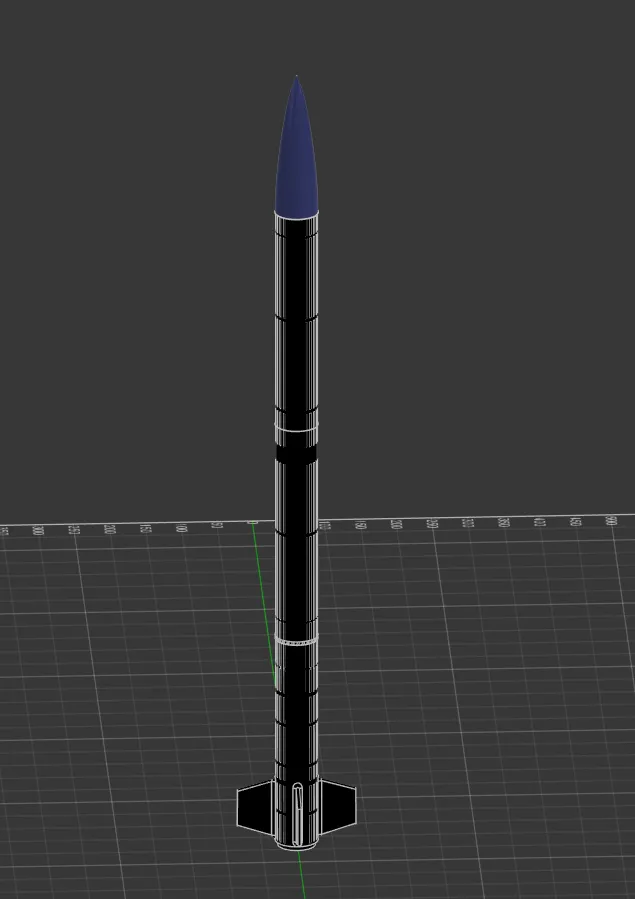
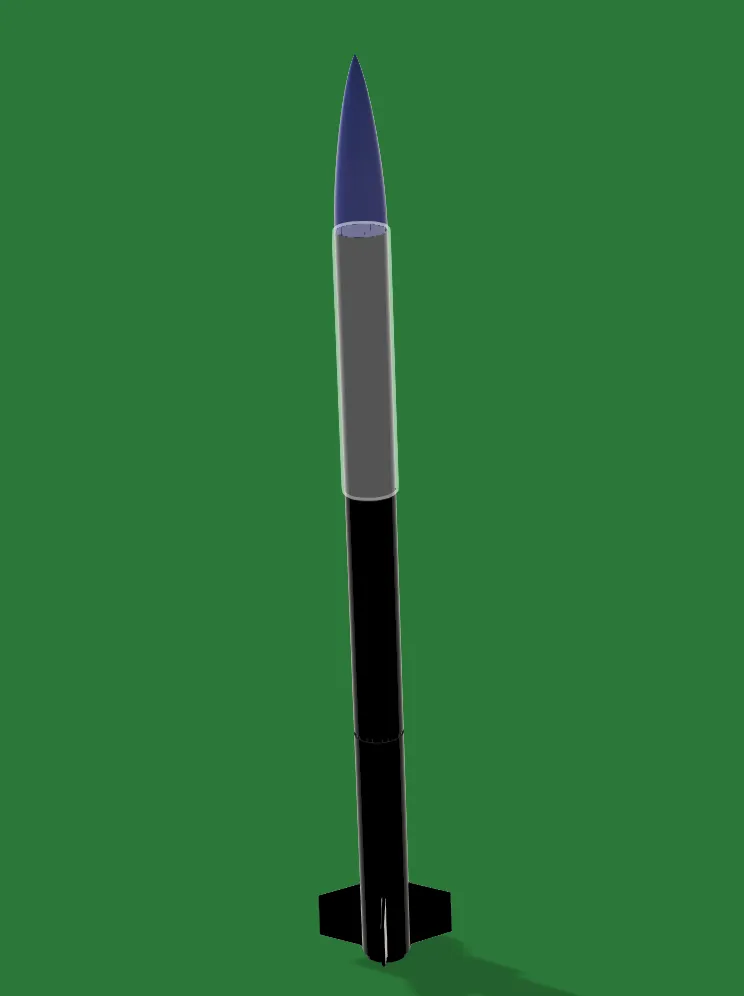
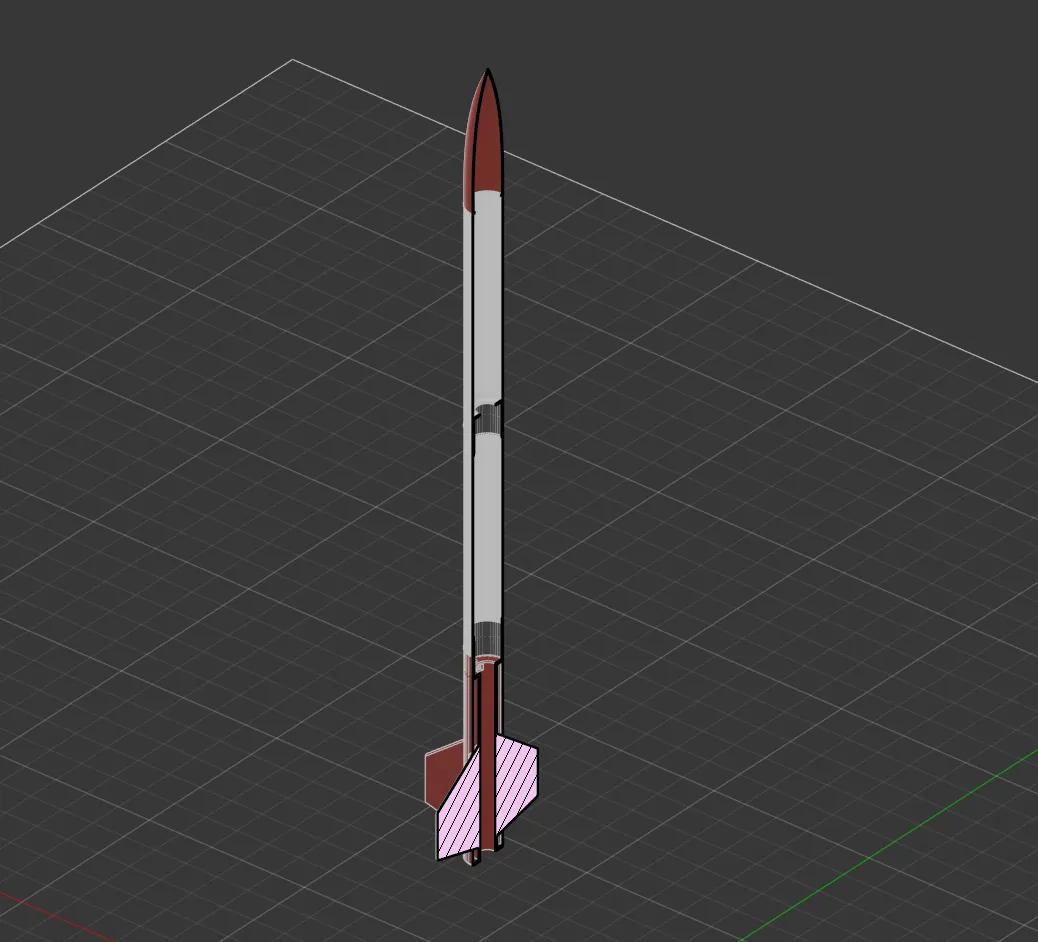
- Test 01
- Failedthe first test flight was not successful
- Printed material
- Survivedthe printed parts withstood the test
- Cause
- Designthe design was not correct
- Main fault
- Shock cordelastic, did not pull the parachute out
- Process
- FDMFusion 360, printed in sections
- Next attempt
- 2027revised airframe
What the test showed
The printed material did not fail — the parts came through the test intact. The design did. The biggest problem was the shock cord: it was elastic, so it stretched instead of pulling the parachute out of the airframe, and the recovery never happened.
The next revision is not guesswork any more — it is a fix for one specific thing that behaved differently from the way the model said it would. That is worth more than a first flight that happens to work and leaves you none the wiser.
Ask how a part was made
Want to know how a part was designed, oriented, printed or finished, or which material held up? Ask — I am happy to compare notes. This is a personal project page: I do not take print orders.